

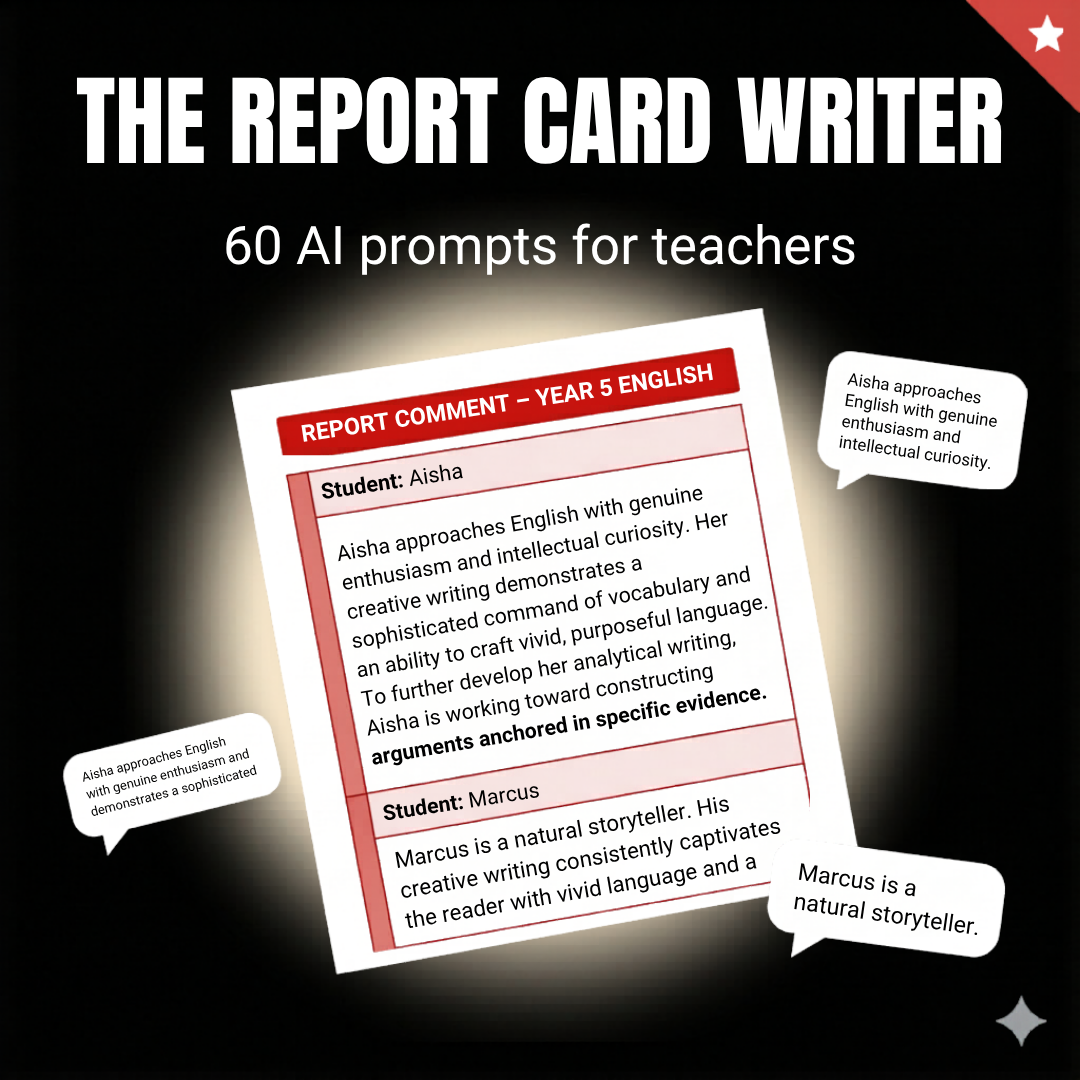
The Report Card Writer
Report card season should not feel like a punishment.
The Report Card Writer gives you 60 expert-crafted AI prompts to write meaningful, specific, professional comments for every subject, every year level, and every student situation.
- 60 prompts across 6 categories, from academic performance to social-emotional growth
- Written to sound like a 20-year veteran, not a template
- Works with ChatGPT, Claude, Gemini, or any AI tool you already use
- Delivered as a Google Doc, yours to keep forever
- New prompts added regularly, at no extra cost
- No subscription. No login. No more generic comments.
It is 10pm. You have forty-seven comments left to write. You have typed 'demonstrates a positive attitude' eleven times.
This is not what you trained for.
Report card comments should reflect the student you know, not the template you are trapped in. The Report Card Writer gives you the prompts to write both, fast.
What It Is
The Report Card Writer is a 60-prompt library built specifically for the comments teachers hate writing: the students they barely know, the subjects they do not love, the situations that require diplomacy they do not have energy for at 10pm.
Every prompt is designed to produce a comment that sounds like it came from a thoughtful, experienced professional, because the framework behind it was built by one.
Specific. Warm. Defensible. Done.
What's Inside
60 prompts across 6 categories:
See It In Action
THE PROMPT (this is what you get inside the product):
HERE IS HOW ONE TEACHER USED IT:
WHAT CAME BACK:
Specific. Warm. Defensible. Written in under 60 seconds.
Who This Is For
• The one who rotates the same five comments and hopes nobody compares notes.
• The experienced teacher who knows exactly what to say but cannot find the words at this hour.
• The new graduate terrified of writing something that lands wrong.
If you write report cards, this saves you time, stress, and your Sunday.
How It Works
Step 1: Open your Google Doc copy
Step 2: Choose the prompt that matches your student's subject and situation
Step 3: Fill in [NAME], [year level], and the specific details you know
Step 4: Paste into ChatGPT, Claude, Gemini, or any AI tool
Step 5: Review, tweak to match your voice, and submit
Most teachers complete a full class set in a fraction of the usual time.
Delivery and Living Resource
Delivered instantly as a Google Doc link.
Click to open, go to File > Make a Copy, and it is saved to your Google Drive permanently.
This is a living resource. We add new prompts regularly as teaching evolves, and your copy gets every update automatically, at no extra cost. You are not buying a static PDF. You are buying a resource that keeps getting better.
Guarantee
This is a digital product and you receive full access the moment you purchase. For that reason, we do not offer refunds. If you have any questions before buying, we are happy to help. Reach out at bigspaceai.com and a real person will get back to you.
Write every comment with confidence.
Finish reporting season with time to spare.
FAQ
Can I use this for any subject and year level?
Yes. The prompts work across primary, middle, and high school, covering every core subject plus specialist areas. Fill in the year level and subject, and the prompt handles the rest.
Will the comments sound like me?
The AI produces a strong first draft based on the details you provide. Most teachers adjust one or two sentences to add their voice. The heavy lifting, structure, specificity, and professional tone, is already done.
What do I actually receive?
A link to a Google Doc. Click it, go to File > Make a Copy, and a permanent copy is saved to your Google Drive. No download required. Works on any device.
Will I get new prompts after I buy?
Yes. This is a living resource. New prompts are added regularly and your copy updates automatically at no extra cost.