

You got into teaching to make a difference. Not to spend three hours every week staring at a blank planning template.
But here you are. Sunday night. Tired. Behind. Starting from scratch again.
There is a better way, and it takes about sixty seconds.
What It Is
The Lesson Plan Machine is a plug-and-play prompt library built for real teachers with real time pressure. Instead of writing lesson plans from scratch, you brief any AI tool in seconds using one of these expertly designed prompts and get a structured, pedagogically sound lesson plan in return. No prompting experience needed. No new apps to learn. Just fill in the brackets and go.
What's Inside
40 prompts across 5 categories:The Lesson Plan Cheat Sheet
See It In Action
THE PROMPT (this is what you get inside the product):
HERE IS HOW ONE TEACHER USED IT:
WHAT CAME BACK:
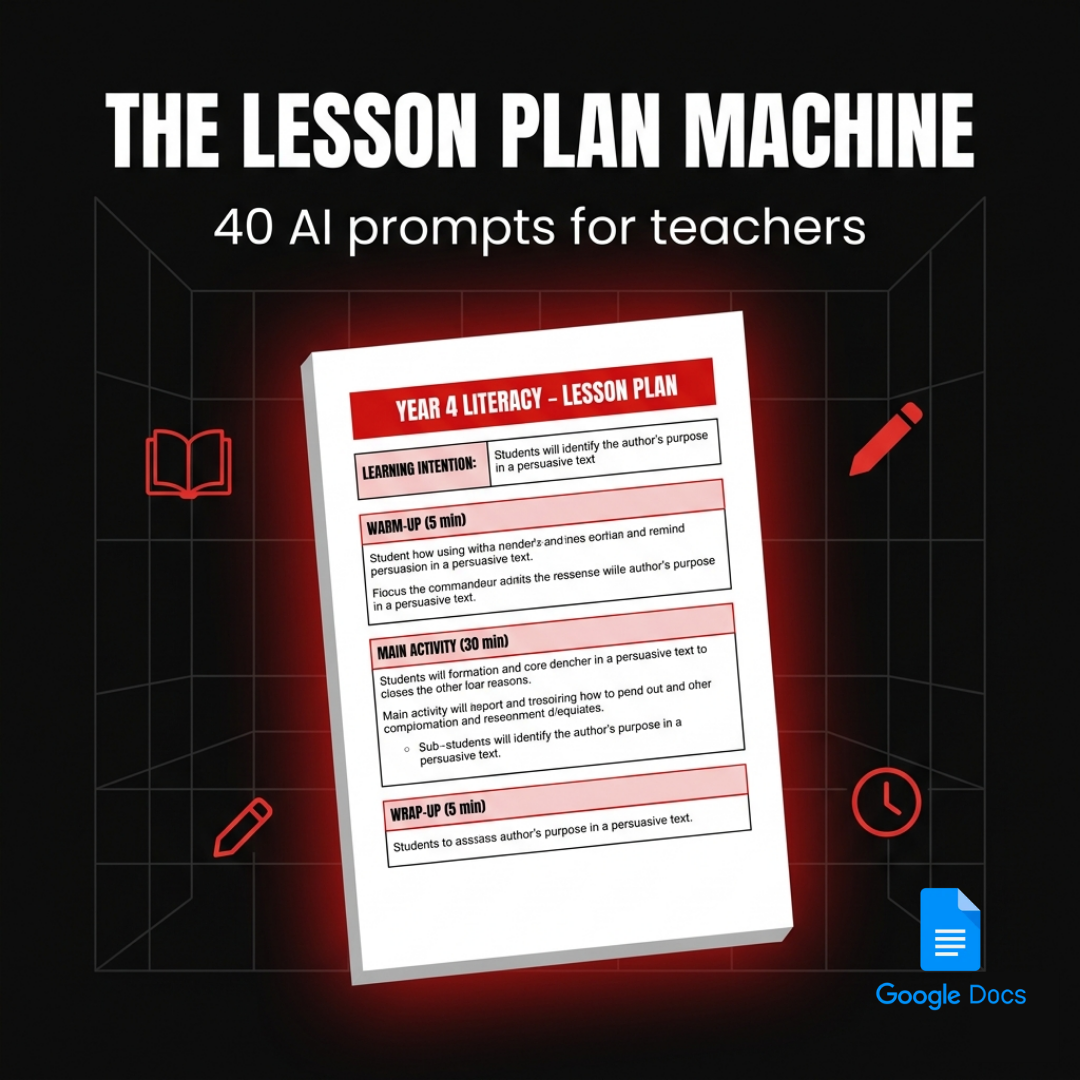
WARM-UP (5 min): Display two short texts on the board — one a recipe, one a persuasive letter. Ask: 'What is different about why these were written?' Take three to four responses. Introduce the term 'author's purpose.'
I DO (10 min): Model reading a persuasive text aloud. Think aloud: 'I notice the writer uses the word 'must' — that tells me they want to convince me of something.' Annotate directly on the board.
WE DO (12 min): Pairs read a second text. Using the annotation guide on their desks, partners identify two examples of persuasive language and discuss: what is the author trying to make the reader do or think?
YOU DO (13 min): Students read an independent text and complete the response frame: 'The author's purpose is... I know this because...'
EAL/D scaffold: sentence starters provided — 'The author wants the reader to... / One word that shows this is...'
WRAP-UP (5 min): Cold call three students to share. Exit ticket: students circle the author's purpose from three options and write one piece of evidence.
Who This Is For
• The Head of Department who needs consistent planning across a whole team.
• The graduate who knows the theory but is still building the craft.
• The experienced teacher who is good at this but exhausted by it.
If you plan lessons, this saves you time. Every week. For the rest of the school year.
How It Works
1 Open your Google Doc copy
2 Choose the prompt that matches what you need
3 Fill in the [brackets] with your class, topic, and context
4 Paste into ChatGPT, Claude, Gemini, or any AI tool
5 Review the output, make it yours, and you are ready
Most teachers save two to three hours a week. The first time you use it, you will understand why.Delivery and Living Resource
Click to open, go to File > Make a Copy, and it is saved to your Google Drive permanently.
This is a living resource. We add new prompts regularly as teaching evolves, and your copy gets every update automatically, at no extra cost.
You are not buying a static PDF. You are buying a resource that keeps getting better.
Stop starting from scratch.
Walk into every classroom prepared.
Instant Delivery • Lifetime Access • Yours Forever
FAQ
Do I need to know how to use AI?
No. Each prompt is written so you can copy, fill in your details, and paste it straight into any AI tool. If you have used ChatGPT or Google once, you have all the skills you need.
Which AI tools does this work with?
Any. ChatGPT (free or Plus), Claude, Gemini, Copilot, or any other text-based AI tool. The prompts are tool-agnostic.
What do I actually receive?
A link to a Google Doc. You click it, go to File > Make a Copy, and a permanent copy is saved to your Google Drive. No download required. No app to install. Works on any device.
Will I get new prompts after I buy?
Yes. This is a living resource. When we add new prompts, your Google Doc copy updates automatically. You pay once and get everything we add going forward.
Stop starting from scratch.
Walk into every classroom prepared.
Instant Delivery • Lifetime Access • Yours Forever