

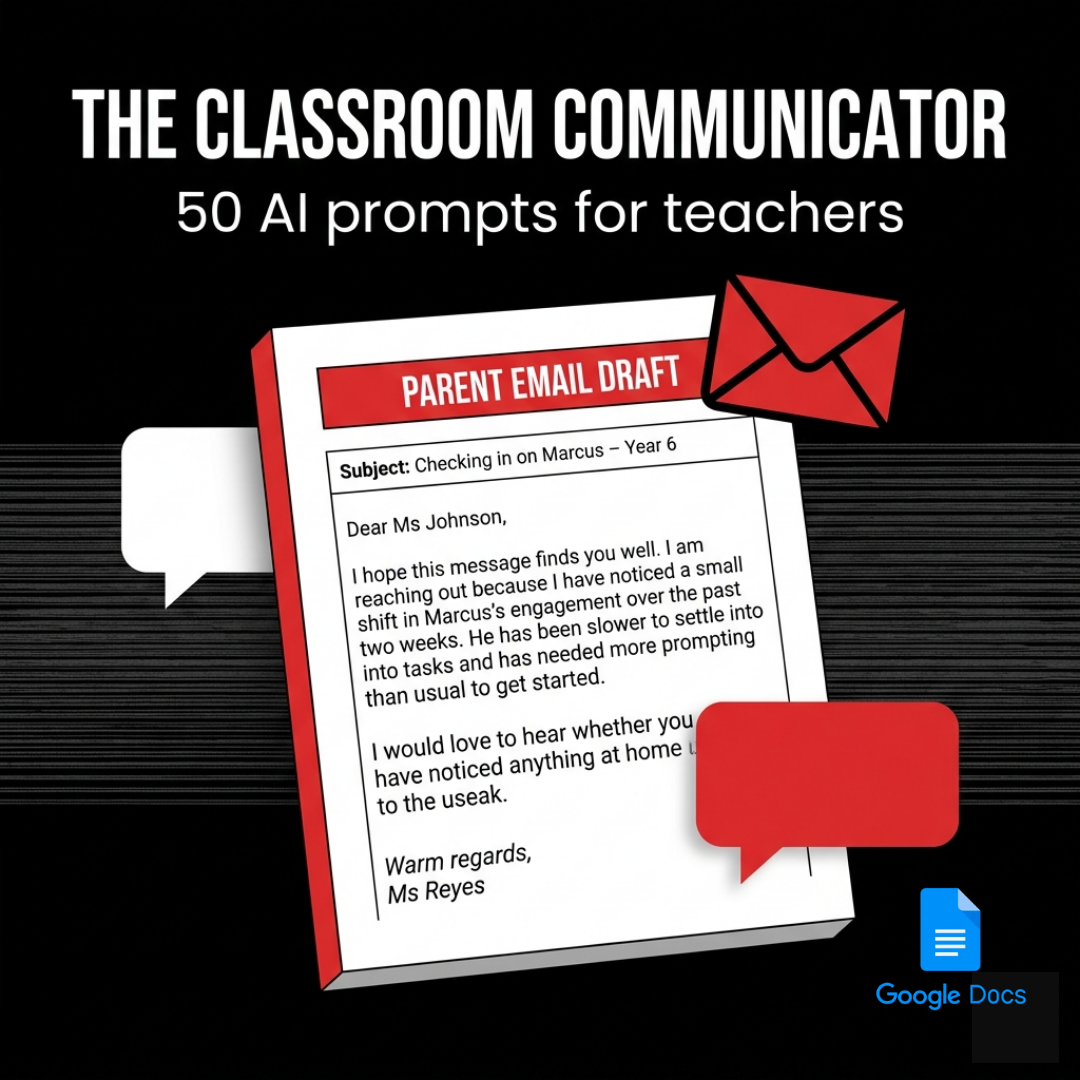
The Classroom Communicator
You know what you need to say. You just cannot find the right words without it going sideways.
The Classroom Communicator gives you 50 expert-crafted AI prompts for every parent communication you face, from good news emails to hard conversations to whole-class newsletters.
Write it right. Hit send. Move on.
- 50 prompts across 5 categories, from celebrations to crisis communications
- Built with diplomatic precision, legal awareness, and professional tone
- Works with ChatGPT, Claude, Gemini, or any AI tool you already use
- Delivered as a Google Doc, yours to keep forever
- New prompts added regularly, at no extra cost
- No subscription. No login. No more 11pm email drafts you regret.
Parent communication is the part of teaching nobody warns you about.
The curriculum, you trained for. The lessons, you planned. But the email to the parent who is furious about their child's grade? The message about the behaviour incident that happened three minutes ago? The newsletter that is due tomorrow and the page is still blank?
That is all you. At 11pm. Hoping you say it right.
The Classroom Communicator was built for exactly this.
What It Is
The Classroom Communicator is a 50-prompt library covering every parent communication scenario that lands in your inbox or sits in your drafts unsent.
Every prompt is designed to help you say exactly what needs to be said, with the right tone, the right level of detail, and the professional language that protects both the student and you.
No more staring at a blank email. No more second-guessing every word.
What's Inside
50 prompts across 5 categories:
See It In Action
THE PROMPT (this is what you get inside the product):
HERE IS HOW ONE TEACHER USED IT:
WHAT CAME BACK:
I hope this message finds you well. I am reaching out because I care about Marcus and want to share something I have been noticing over the past couple of weeks.
Marcus has been slower to settle into tasks recently and has needed more prompting than usual to get started, which is a little different from how he was tracking earlier in the term. I have checked in with him privately and adjusted the way I structure his tasks, and I want to make sure we are working together on this.
I would love to hear whether you have noticed anything at home that might be relevant, or whether there is anything I should know. Please feel free to reply or suggest a time for a quick call.
Thank you for your partnership.
Ms Reyes
Professional. Warm. Sent in two minutes.
Who This Is For
• The one whose behaviour email sparked a parent complaint last term.
• The teacher who has seventeen unwritten emails in their head right now.
• The new graduate who was never taught how to talk to families.
If you communicate with parents, this makes every message better and every send less stressful.
How It Works
Step 1: Open your Google Doc copy
Step 2: Choose the prompt that matches your situation
Step 3: Fill in the [brackets] with the specific details
Step 4: Paste into ChatGPT, Claude, Gemini, or any AI tool
Step 5: Review the draft, add your voice, and send
The AI handles the structure and language. You handle the judgement. Together, you write something you are proud of.
Delivery and Living Resource
Delivered instantly as a Google Doc link.
Click to open, go to File > Make a Copy, and it is saved to your Google Drive permanently.
This is a living resource. We add new prompts regularly as teaching evolves, and your copy gets every update automatically, at no extra cost. You are not buying a static PDF. You are buying a resource that keeps getting better.
Guarantee
This is a digital product and you receive full access the moment you purchase. For that reason, we do not offer refunds. If you have any questions before buying, we are happy to help. Reach out at bigspaceai.com and a real person will get back to you.
Say what needs to be said.
Say it well. Say it once.
FAQ
Is this just for emails?
No. The prompts cover emails, newsletters, meeting prep, phone call scripts, follow-up notes, and whole-class announcements. Any written or verbal communication with families is covered.
What if I need to say something sensitive?
The most-used category is Difficult Conversations. Ten prompts cover complaints, disputes, hostile parents, safeguarding, and more. Each includes a Teacher Insight note on tone, legal awareness, and what not to say.
What do I actually receive?
A link to a Google Doc. Click it, go to File > Make a Copy, and a permanent copy is saved to your Google Drive. Works on any device.
Will I get new prompts after I buy?
Yes. This is a living resource. New prompts are added regularly and your copy gets every update automatically at no extra cost.